
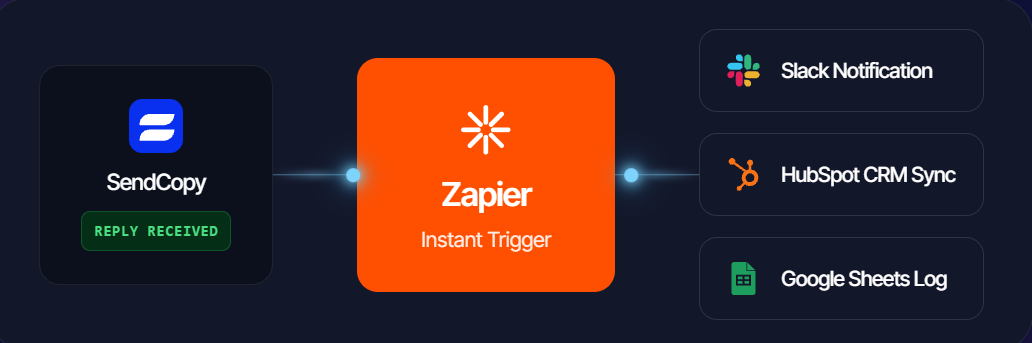
Zapier can connect SendCopy.ai with other applications without requiring you to build a custom integration from scratch.
Typical Workflow
A workflow can look like:
Trigger → SendCopy.ai event/data → Action in another application
For example, a workflow could send newly captured lead information to another system.
General Setup
Open Zapier.
Create a new workflow.
Select the SendCopy.ai connection or webhook method available to you.
Configure the trigger.
Connect the destination application.
Map the required fields.
Test the workflow.
Activate it.
Troubleshooting
If data does not arrive:
Check authentication.
Review the trigger.
Confirm required fields are mapped.
Test with a new record.
Check workflow logs.
Tips
Start with one simple workflow before creating multiple automated branches.
You can refer to the Zapier integration guide for more details on how it works.
Related Articles