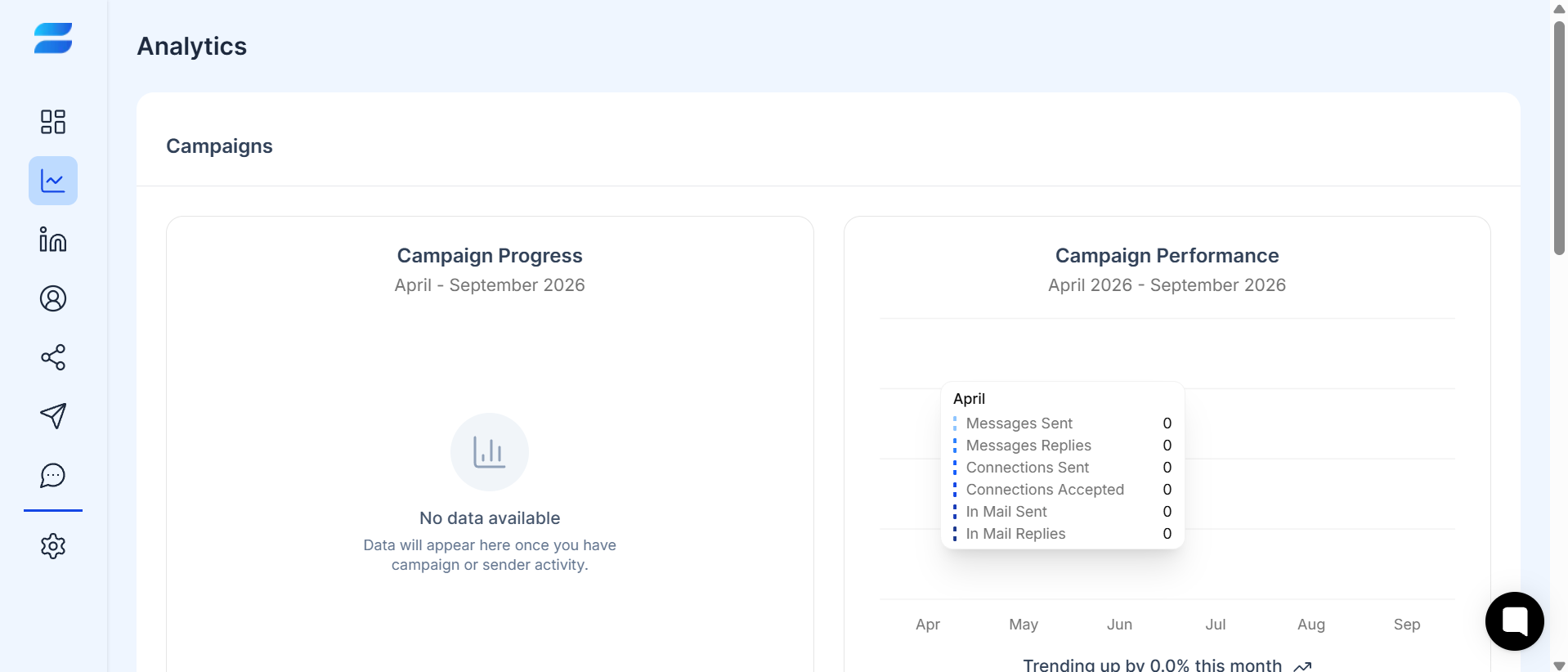
Campaign analytics help you understand what is happening after your outreach starts.
The SendCopy Analytics Dashboard allows you to review campaign activity over time and understand how your connection requests, messages, and replies are performing.
Looking at these metrics together gives you a clearer picture than focusing on a single number.
The number of connection requests sent through your campaign during the selected period.
This metric helps you understand your campaign's outreach volume.
The number of connection requests that were accepted by prospects.
A higher number of accepted connections generally means more prospects are moving from outreach into your LinkedIn network.
The percentage of connection requests that resulted in accepted connections.
A low connection rate may indicate that your targeting, profile, or connection approach needs improvement.
The number of outreach messages sent through your campaign.
Use this metric together with replies to understand whether your messaging is generating engagement.
The number of responses generated from your outreach messages.
Replies are an important indicator of whether prospects are engaging with your messaging.
The percentage of relevant messages that generated replies.
A low reply rate despite strong connection performance may indicate that your follow-up messaging needs improvement.
The dashboard can also show InMail activity, including InMail sent and replies, when applicable to your campaigns and connected sender activity.
Don't evaluate a campaign using one metric alone.
For example:
Low connection rate + low reply rate
Your targeting, profile, connection approach, or messaging may need improvement.
Good connection rate + low reply rate
Your targeting may be working, but your follow-up messaging may need improvement.
Good connection rate + good reply rate
Your campaign is generating both connections and engagement, which can indicate that your audience and messaging are well aligned.
Review the campaign activity for the selected period.
Check connection requests sent.
Compare connections accepted and connection rate.
Review messages sent and replies.
Compare reply rates between campaigns.
Look for campaigns with consistently stronger engagement.
Use those insights to improve weaker campaigns.
Tips
Compare campaigns with similar audiences and goals.
A campaign targeting founders may naturally perform differently from a campaign targeting enterprise sales leaders. Comparing completely different audiences can lead to misleading conclusions.
Also, give a campaign enough activity before making major changes. Very small sample sizes can make performance rates look unusually high or low.