
SendCopy.ai plans are designed to support different LinkedIn outreach requirements. You can review your current subscription and available plans from the Billing section.
Where to find your plan
1. Log in to your SendCopy.ai account.
2. Open Settings.
3. Select Billing.
4. Open the Plan and Subscription tab.
What you can review
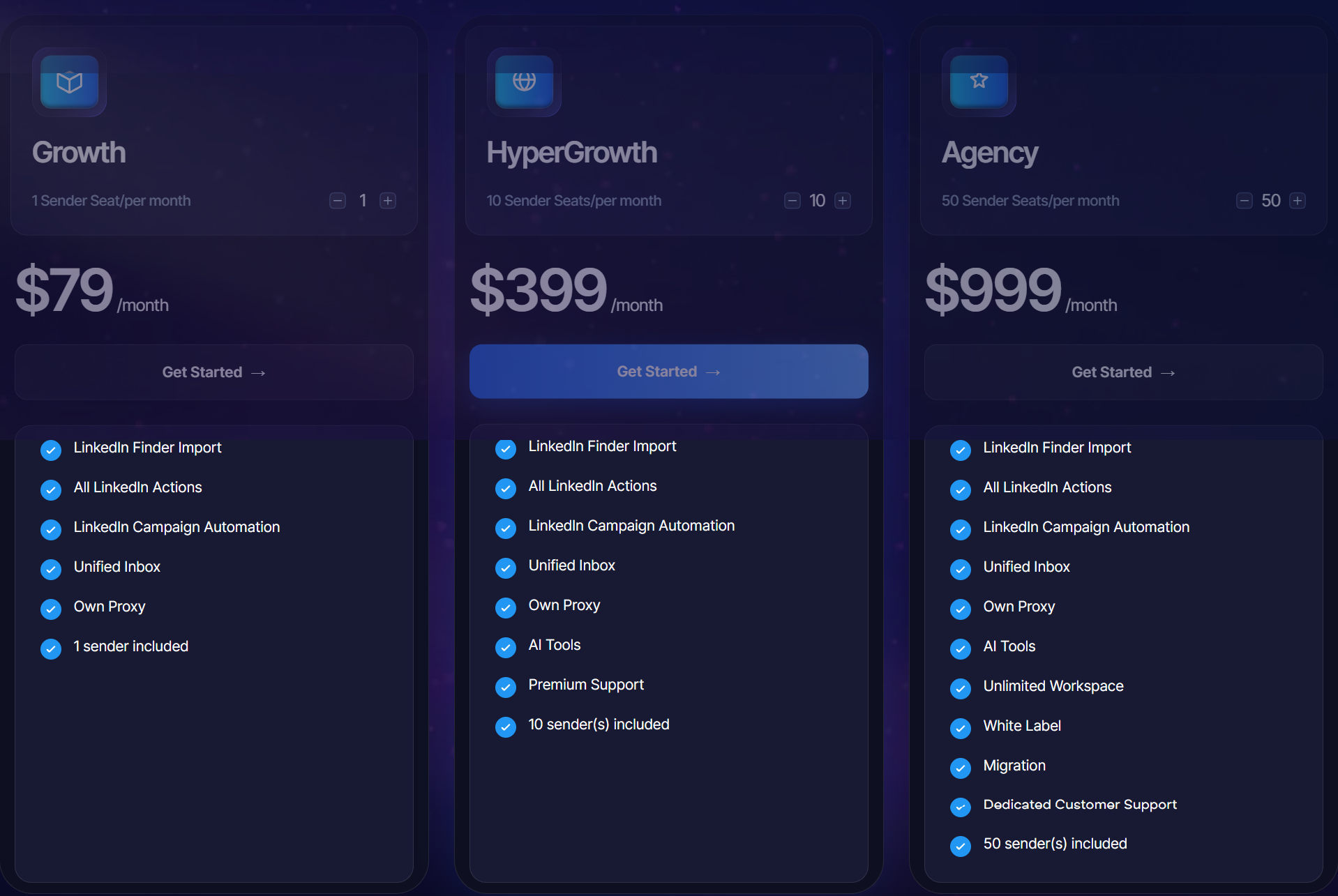
The Plan and Subscription area lets you review the plan currently associated with your account and compare the subscription options presented for your account.
Your current active plan
Included LinkedIn seats/senders
Plan features and limits
Available upgrade or downgrade options
Additional seat options, where applicable
Tip: Review the included LinkedIn seats and features before changing your plan so you select an option that matches your outreach needs.
Related Articles
• How to Upgrade or Downgrade Your Plan