
View your invoices
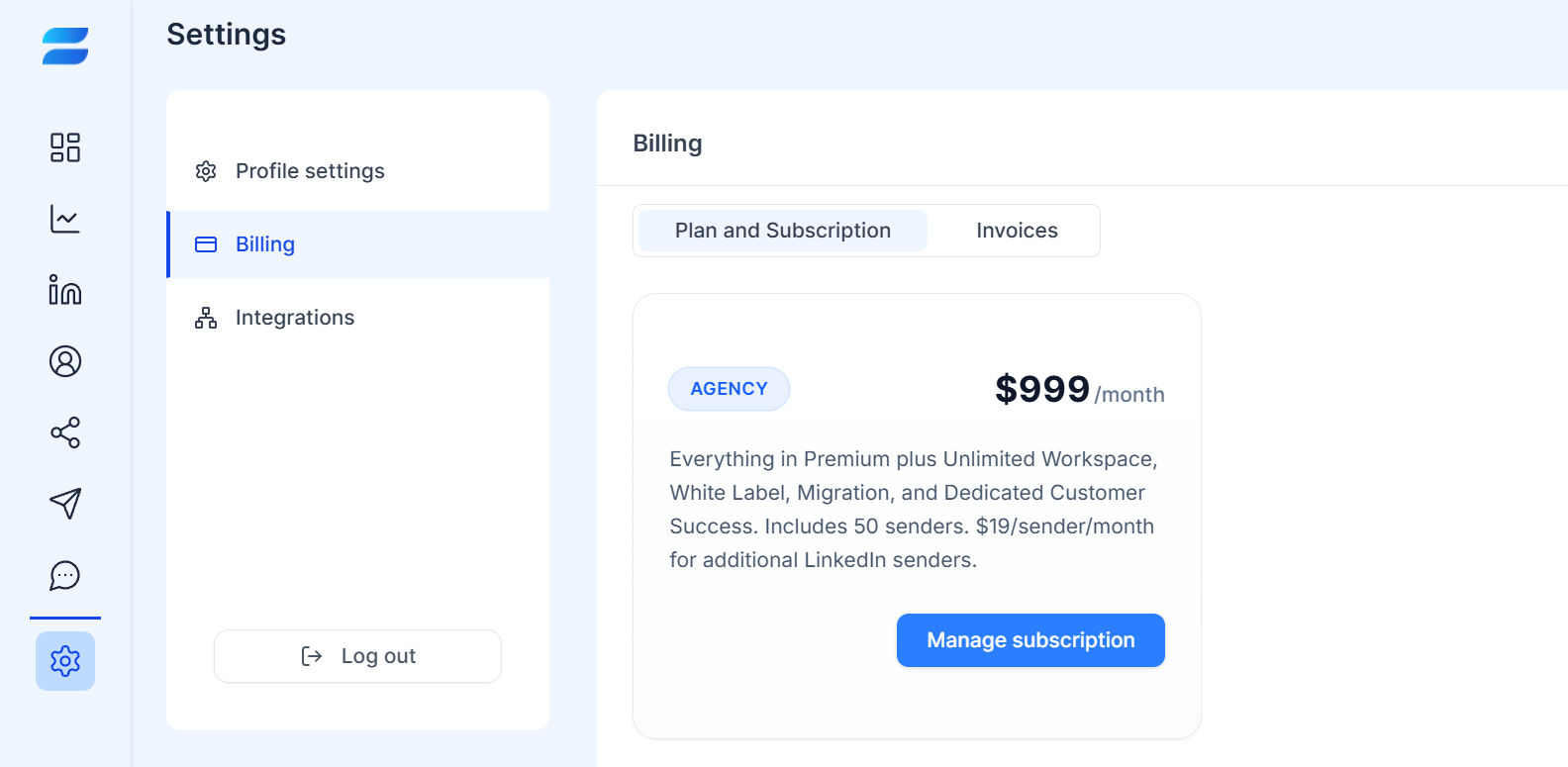
Log in to SendCopy.ai.
Go to Settings → Billing.
Open the Invoices tab.
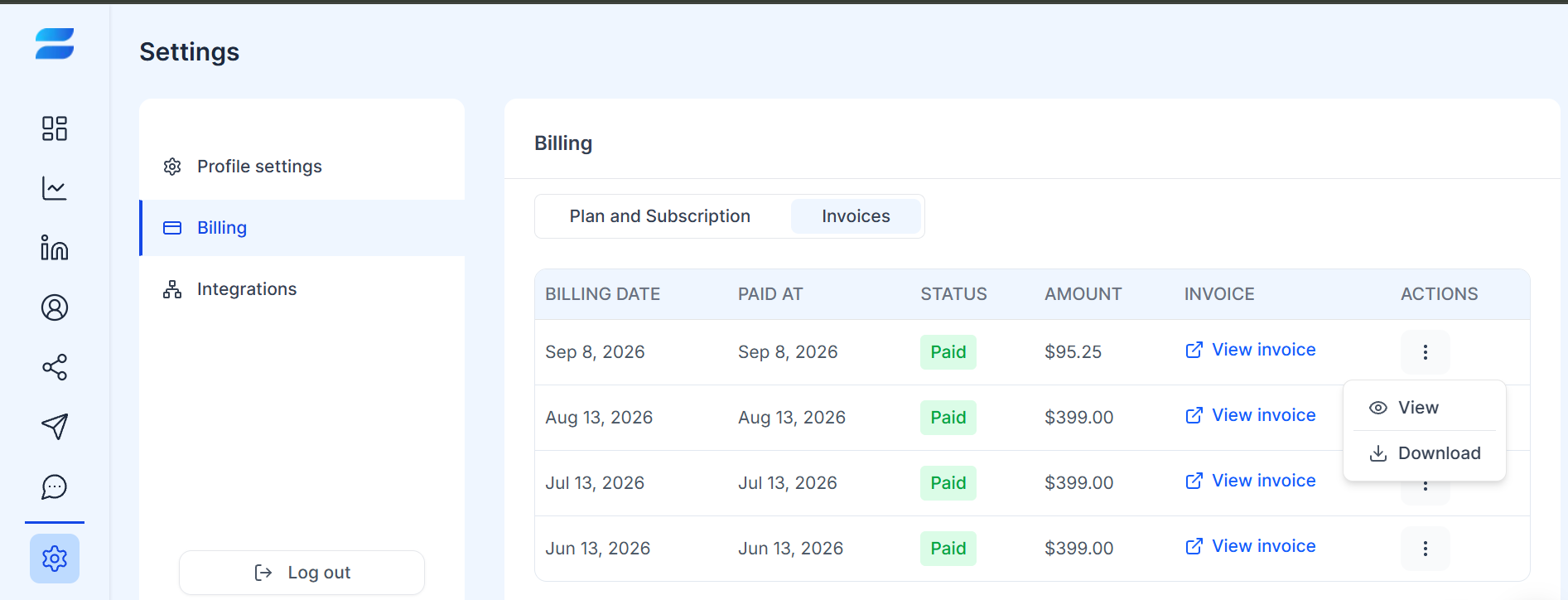
Find the billing record you need.
Download an invoice
Locate the relevant invoice in the invoice history.
Open the available invoice or actions menu for that record.
Choose the download option when available.
Save the invoice for your accounting or business records.
Invoice information
The Invoices area can be used to review your billing records and the status of your payments. The exact information and available actions may depend on the invoice.
Tip: Download invoices you need for bookkeeping, expense reporting, or business records.