
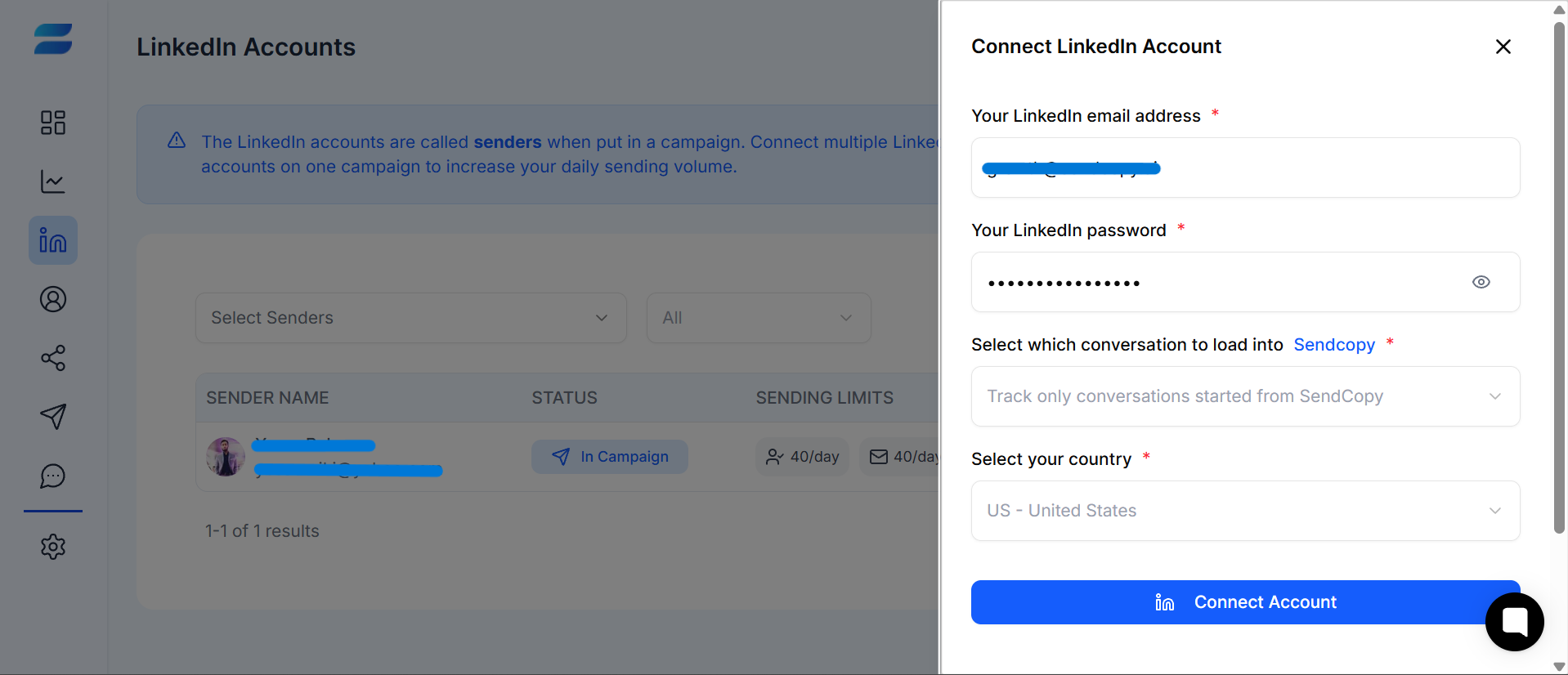
Before you can run LinkedIn outreach in SendCopy.ai, you need to connect the LinkedIn account you want to use. This article explains the connection process and what to check after the account is added.
Before Connecting
Make sure you can sign in to the LinkedIn account you want to connect.
Have any required login verification or two-factor authentication method available.
Use an account that you are authorized to manage.
Connect Your LinkedIn Account
1. Sign in to SendCopy.ai.
2. Open LinkedIn Accounts from the main navigation.
3. Select Connect account.
4. Follow the connection flow shown by SendCopy.ai.
5. Complete any LinkedIn verification step requested.
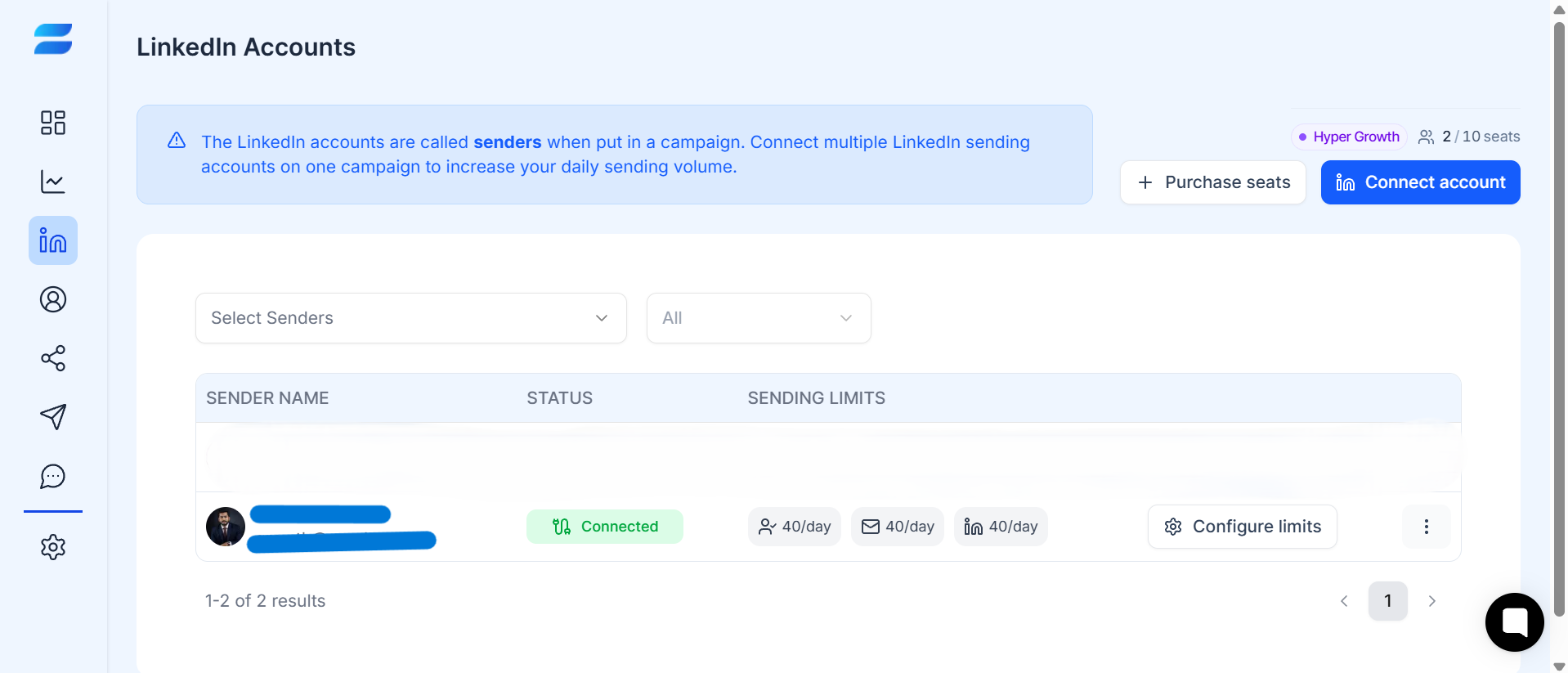
6. Return to SendCopy.ai and confirm that the account appears in your LinkedIn Accounts list.
Check the Account Status
After connecting, review the account status shown in LinkedIn Accounts. Confirm that the account is available for the workflow you want to use and review the sending limits displayed for the account.
TIP: Have access to your LinkedIn login and any required verification method before starting the connection process. After connecting, always check the account status before creating a campaign.