
How to cancel
Log in to your SendCopy.ai account.
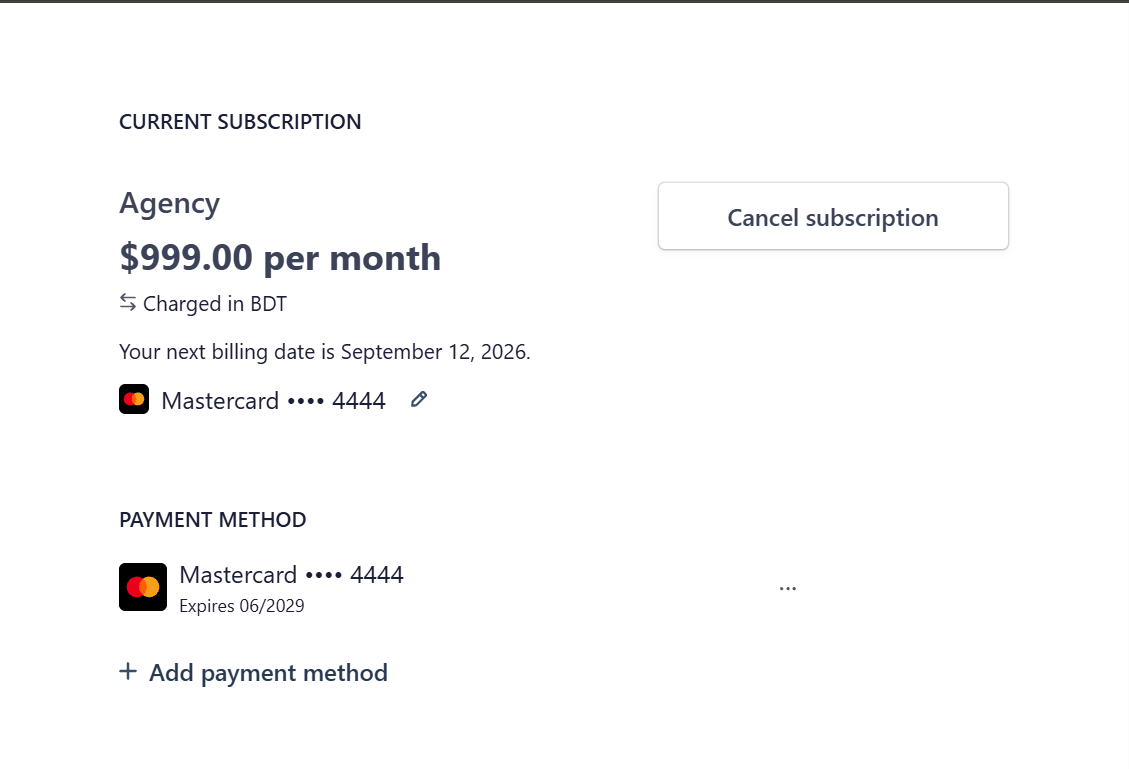
Go to Settings → Billing.
Click Manage subscription.
Find the Current Subscription section.
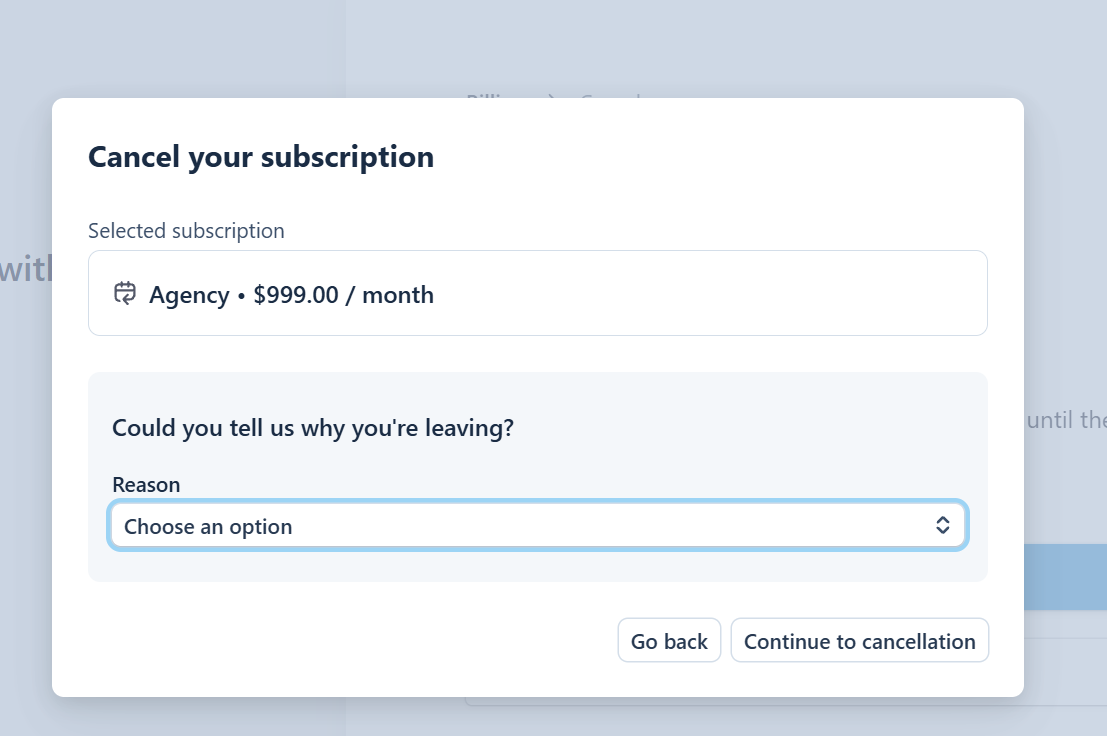
Select Cancel subscription.
Follow the confirmation steps shown on screen.
Before cancelling
Review your current plan and next billing information.
Check your active LinkedIn seats/accounts.
Review any campaigns or workflows that may depend on the subscription.
Read the cancellation confirmation carefully before completing the cancellation.
Tip: If you only need fewer seats or different features, consider changing your plan instead of cancelling the subscription completely.
Cancellation timing, refunds, and access after cancellation can depend on the subscription terms shown to your account. Review the cancellation confirmation for the applicable details.
Related Articles
• Understanding Plans & Pricing